

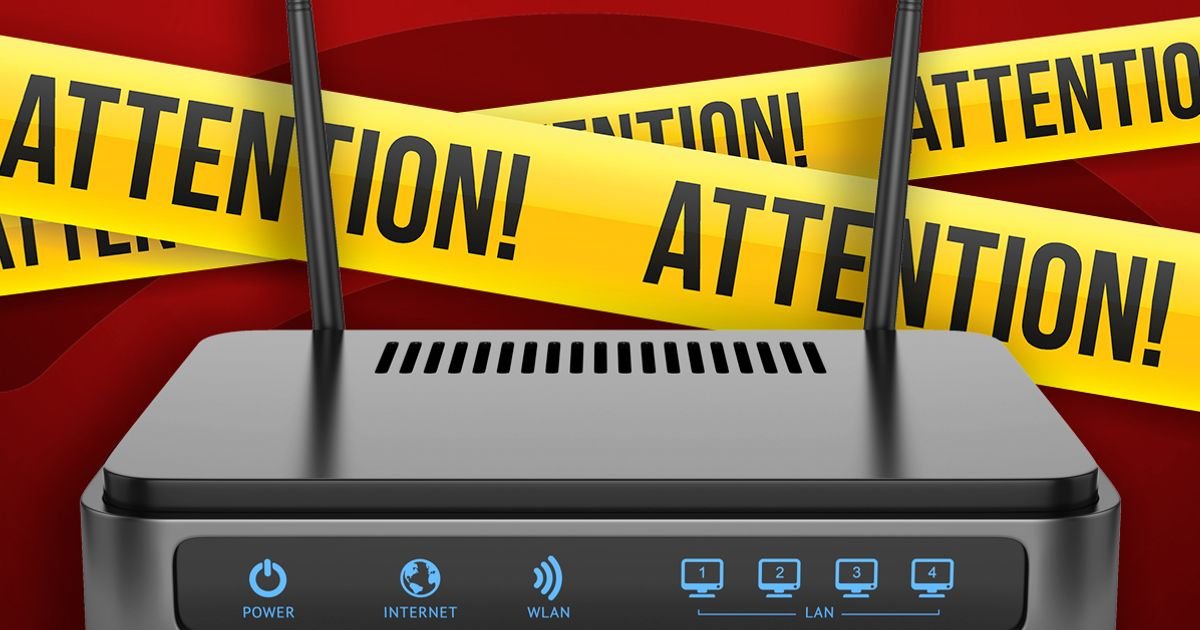

Your home Wi-Fi router serves as a crucial link to the internet, but it can also serve as a vulnerable point for cyber attackers. Neglecting to secure your router settings can expose all connected devices to potential security risks.
Security experts are cautioning that a significant number of individuals are unwittingly leaving their routers susceptible to cyber threats. To combat this issue, the team at Broadband Genie has provided essential recommendations and adjustments to enhance security and thwart potential attacks.
These suggestions include altering the default password, ensuring regular updates, and modifying the network name for added protection.
Alex Tofts, a broadband specialist at Broadband Genie, emphasized the importance of adjusting router settings for improved security. Accessing the router’s control panel by entering the printed web address in a browser is the initial step in this process.
Implementing these security measures is crucial in minimizing the risk of cyber intrusions and malware infections on your devices.
Broadband Genie outlines five key adjustments to consider making on your router:
1. Update your network encryption settings to use ‘WPA2’ or ‘WPA3’ for enhanced security.
2. Change both your router administrator and Wi-Fi passwords to unique, strong ones.
3. Customize your network name to prevent revealing sensitive information.
4. Regularly update your router’s software to stay protected against vulnerabilities.
5. Monitor and manage the devices connected to your network to prevent unauthorized access.
Oliver Devane, Senior Security Researcher at McAfee, reiterated the importance of updating router settings to mitigate potential security risks. Securing your router is paramount, as it controls access to all connected devices in your home.
If you encounter challenges in adjusting your router settings, it is advisable to identify your router model and seek assistance from your service provider for guidance.
By following these security practices, you can enhance the protection of your home network and safeguard your connected devices from cyber threats.